Voice dictation for macOS

HandFree for Mac

Hold a shortcut, speak, and let go. HandFree cleans up what you said and inserts the text at your cursor.

macOS 14 or later · Apple silicon · English, Simplified and Traditional Chinese · GitHub and Homebrew
See it in action

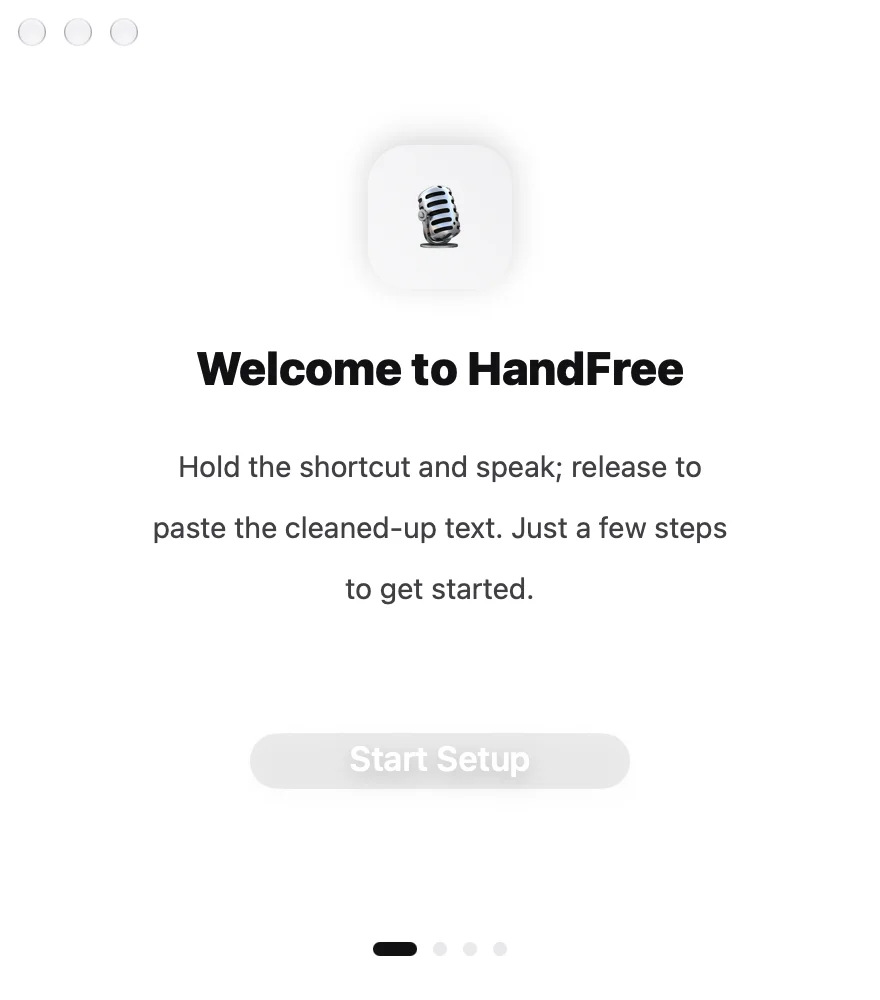
The HandFree for Mac setup window explains the hold-to-dictate shortcut.

Dictate where you type

Hold a keyboard shortcut or mouse button in the app you're using. Release to insert the text where your cursor is.

Clean up as you go

HandFree can remove filler words, fix slips, and add punctuation and paragraphs. Add names and terms to your personal vocabulary.

Choose your speech engine

Recognize speech on your Mac with Qwen3-ASR, or bring your own API key for a cloud provider. Text cleanup uses the model you choose.

Download and install

Terminal · one command

Homebrew

brew install --cask teddychan/tap/handfree

Automatic updates

The app checks for new releases through Sparkle.

View the Sparkle update feed

Need help?

Questions about setup, dictation, or updates?

Email support

In tribute

HandFree is based on Typefree by Rui Wang and is licensed under GPLv3.

macOS 14 or later · Apple silicon English, Simplified and Traditional Chinese GitHub and Homebrew Free and open source
Why I build & maintain these →